

For visitors staying in Branson West, Silver Dollar City is an 1880s-themed theme park whose hours depend on the operating date. Check the park’s official calendar for the day you plan to visit. Find out more about Mountain Country, a motel in Branson West.
- Where to check: Silver Dollar City’s Calendar & Hours page.
- What it shows: Date-specific hours for the theme park and water park, plus a separate Showboat calendar.
- Other schedules: Showtimes and venues are available for a selected date.

Where to find the official hours
The Calendar & Hours page is the place to check Silver Dollar City’s operating hours for your chosen date. Select a day on the park calendar to see the hours for the theme park and water park; the page also links to a separate Showboat calendar.
Start with the calendar rather than relying on a general expectation about when the park is open. Silver Dollar City recommends confirming hours for the selected date, and its ticket information also directs guests to check the calendar for operating dates and hours before purchasing tickets.
For ticket choices and planning considerations, the Silver Dollar City ticket options and planning guide covers the ticket side of the visit.
How do seasonal and date-specific schedules work?
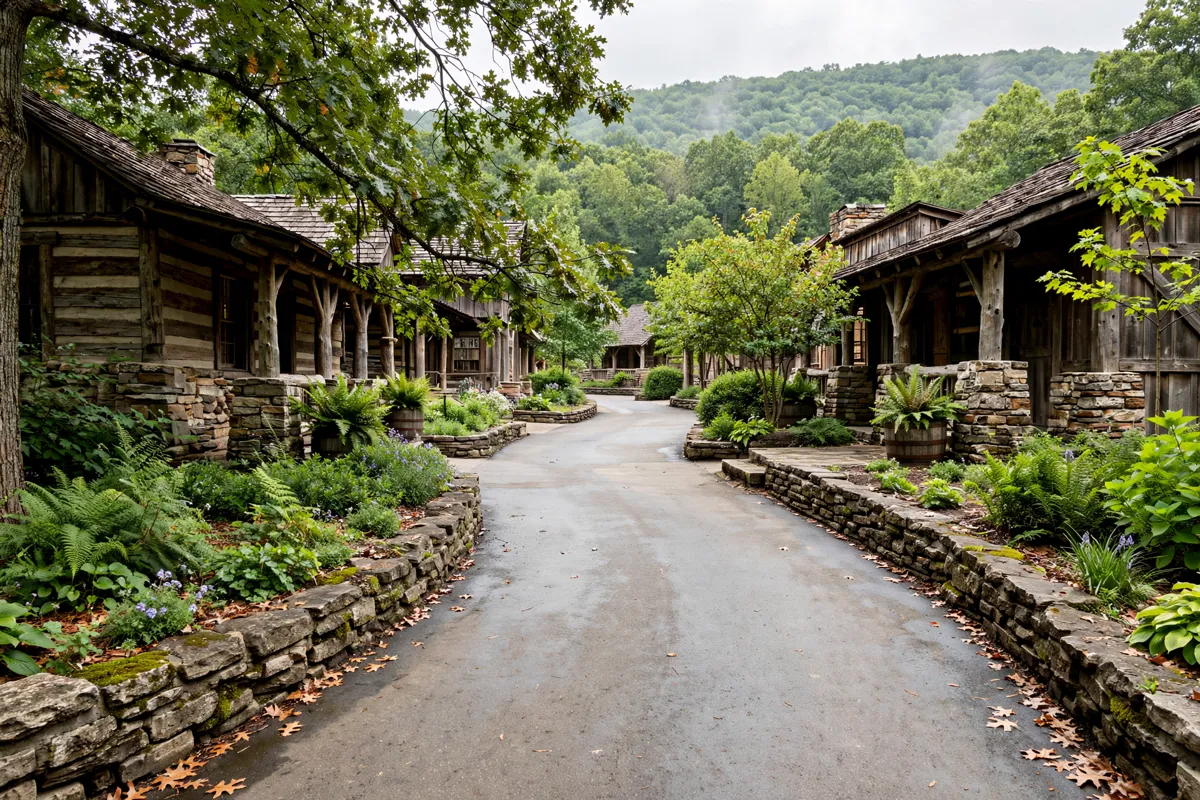
Operating hours for the season appear as they become available, but schedules can change. Colder-month closures and ride openings depend on temperature.
That means a schedule for one day may not tell you what to expect on another. Check the calendar for your actual visit date, then check again before you go.
From Mountain Country Motor Inn, Silver Dollar City is about a 10-minute drive; you can also check the nearby Showboat’s separate calendar when planning your outing. For the drive from Branson West, the guide to getting to Silver Dollar City from Branson West can help with the trip-planning portion.
What do opening and closing times mean for a visit?
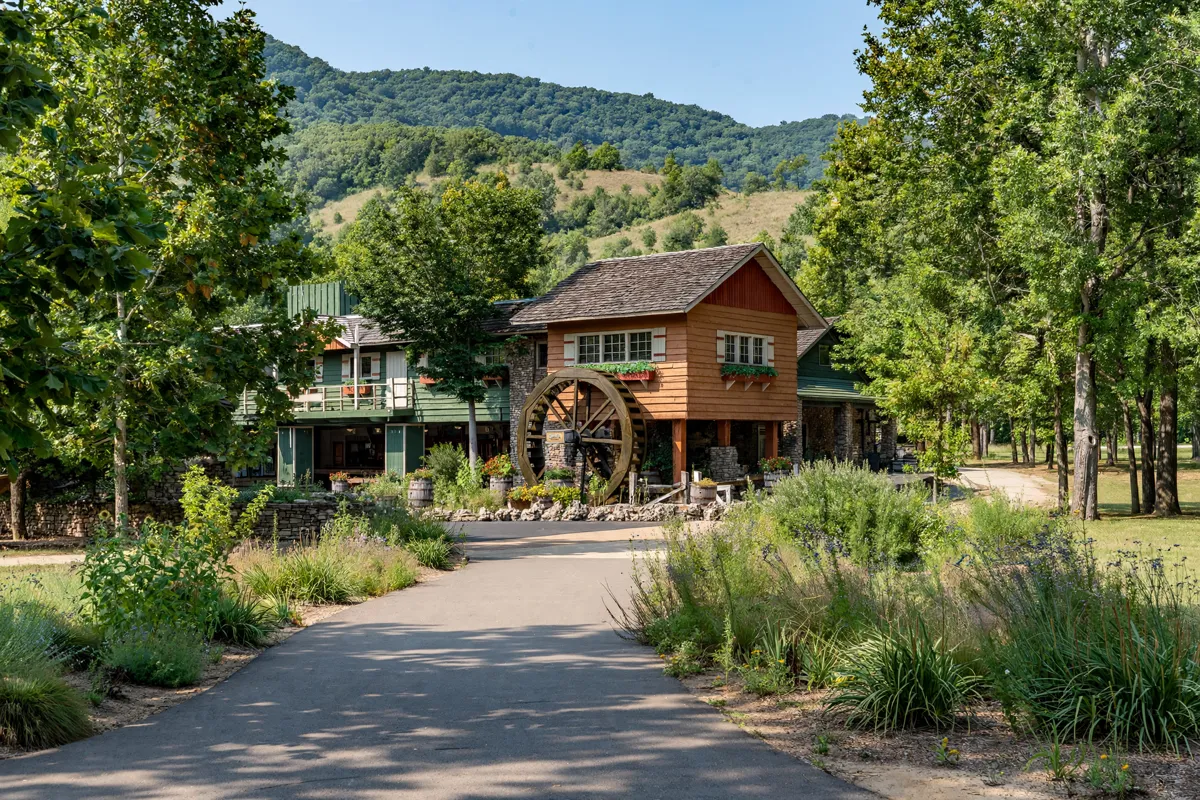
The operating hours shown for a date describe the park’s schedule, while showtimes have their own schedule. Silver Dollar City lets you select a visit date to view showtimes and venues for that day’s entertainment.
Show schedules are typically published no later than two weeks in advance, and they can still change. If particular performances are part of your plan, check their times as well as the park’s operating hours. The official app also provides show schedules and performance times at theaters and venues, and can alert you when a showtime is approaching.
How can you check for schedule updates before setting out?

Check the official site before you go, since Silver Dollar City advises guests to double-check hours and show schedules for updates. Use the calendar to confirm your selected date, then review the show schedule for that day; the park’s contact page also directs visitors to its operating calendar.
If you are coordinating the visit with a drive from Branson West, check the schedule before setting out rather than assuming the hours have stayed the same. The calendar is the source for date-specific operating information, while the app can help you follow showtimes during the visit.
FAQs
Where can you find Silver Dollar City opening hours?
Use the park’s Calendar & Hours page and select your intended visit date. It shows operating hours for the theme park and water park.
Are Silver Dollar City hours the same every day?
Hours are published for operating dates, and schedules may change. Check the calendar for the specific date you plan to visit.
When are show schedules available?
Show schedules are typically published no later than two weeks in advance, but may change. Check the schedule for your date and use the official app for performance times and alerts.